Explore each Superstructure to see how it helps teams organize ideas, surface perspectives, and move toward better decisions. Each structure provides a simple framework for tackling common workplace challenges. Use the buttons below to explore each one and see examples from across the organization.
Connect invites participants to contribute ideas related to a central topic and share their perspectives. Each contribution includes a title and a short explanation. Teams can explore what colleagues have added, creating a shared view of the knowledge, insights, and perspectives across the group. Check out our sample collection of Connect structures.

Participants share thoughts about a product launch...
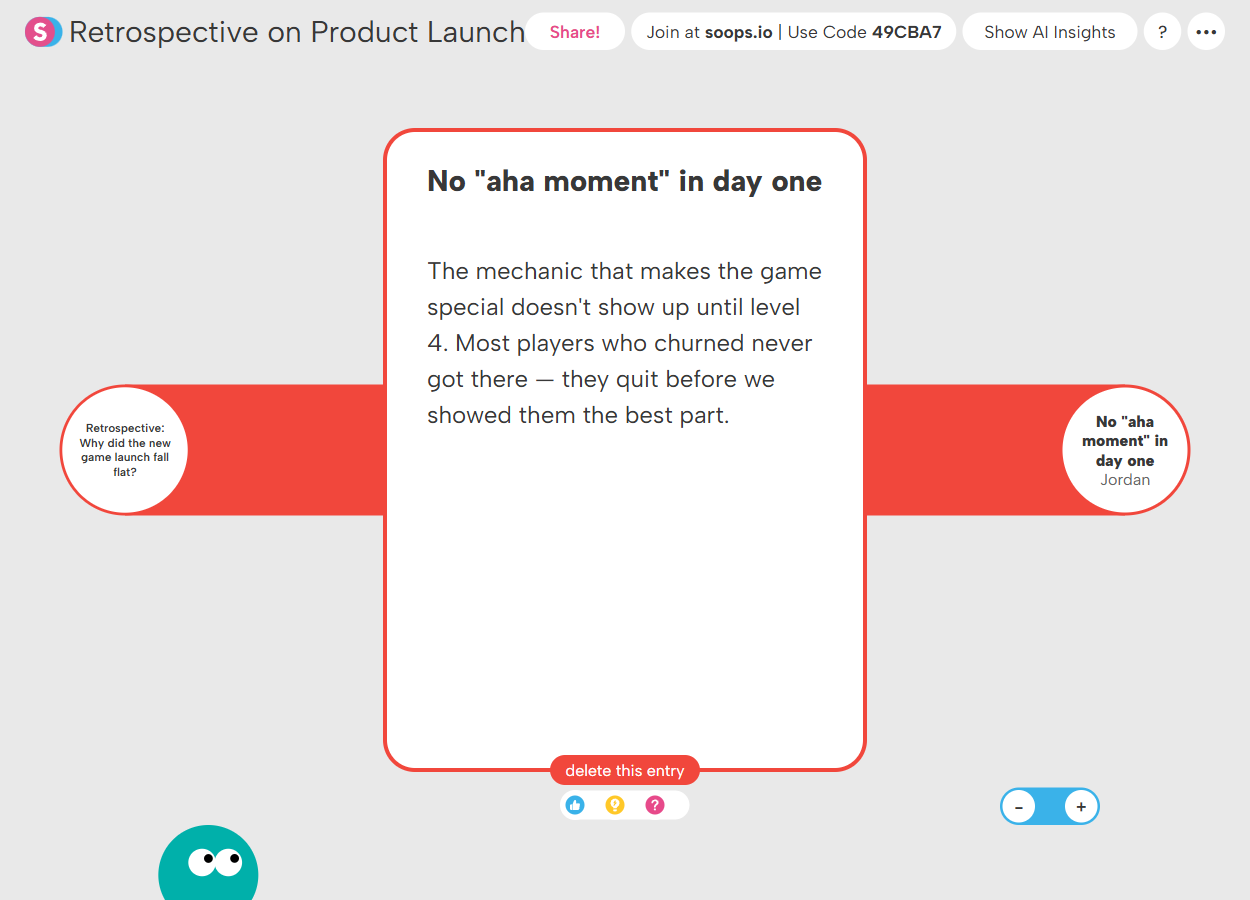
...and explain their thinking in detail.
Noteboard invites participants to contribute ideas in response to a topic or question. Everyone adds notes freely on a shared canvas and can move them around to group related ideas, prioritize themes, and organize information as the conversation develops. Check out our sample collection of Noteboard structures.
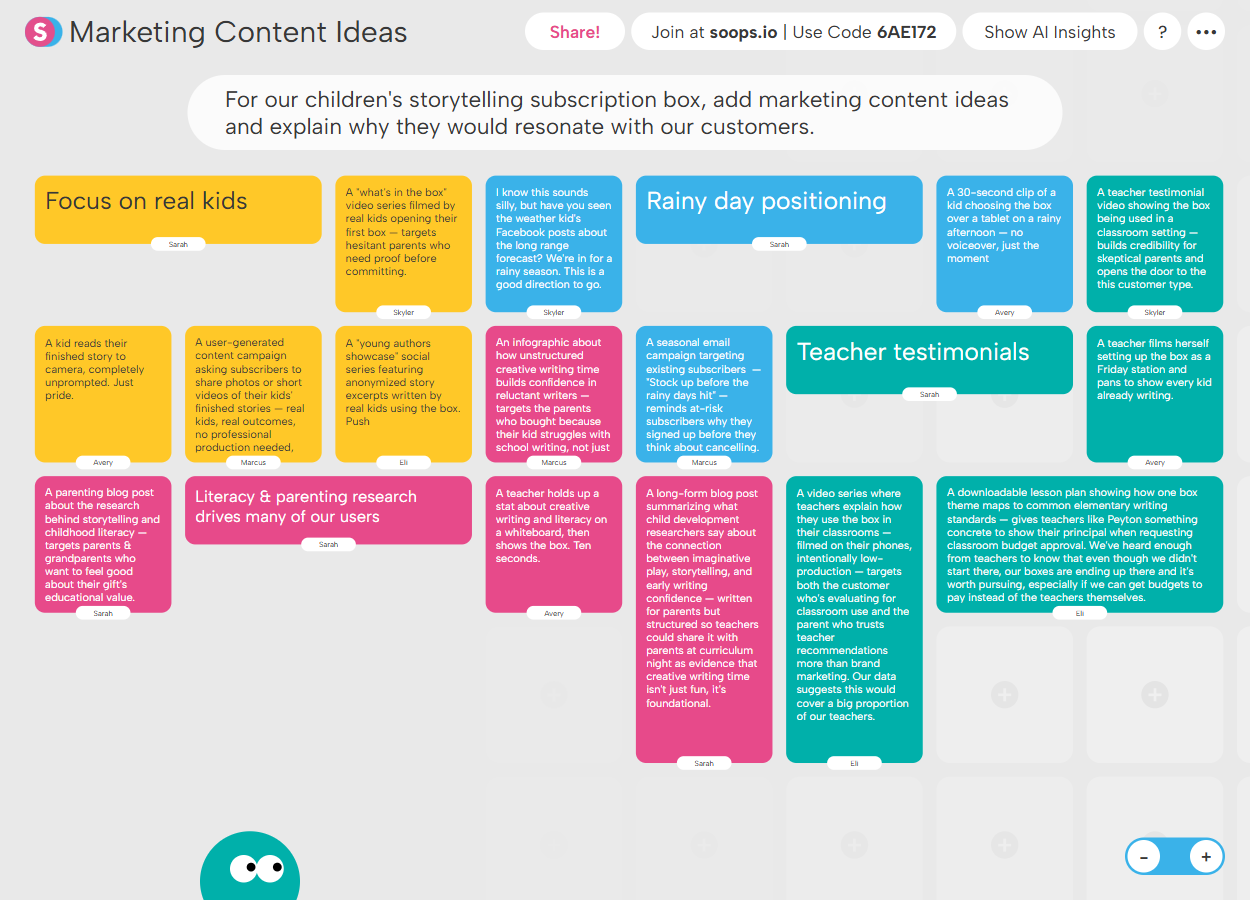
Brainstorm and group ideas about new content...
.png)
...developing those ideas for further review.
Venn invites participants to generate ideas and place them into overlapping categories. Users identify similarities and differences, clarify where ideas belong, and see how perspectives align or differ across the group. Check out our sample collection of Venn structures.
.png)
A marketing team explores overlap in their channels...
.png)
...and reflects on what's happening in the process.
Debate invites participants to build arguments for or against a proposed idea or decision. Users can contribute their own reasoning, respond to colleagues’ perspectives, and consider the range of arguments shared by the group. Check out our sample collection of Debate structures.
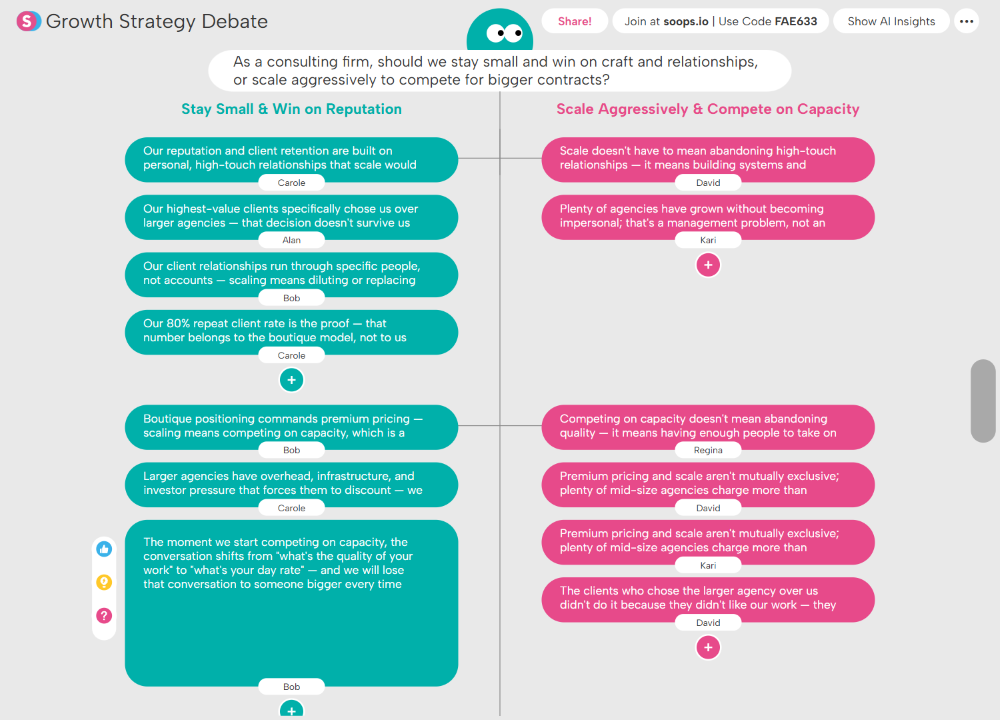
Participants debate the best strategy moving forward...

...building on and reacting to each others' ideas.
Dot Plot invites participants to evaluate ideas across two dimensions. Users position each idea on the grid, explain their reasoning, and explore how others have assessed the same ideas across the group. Check out our sample collection of Dot Plot structures.
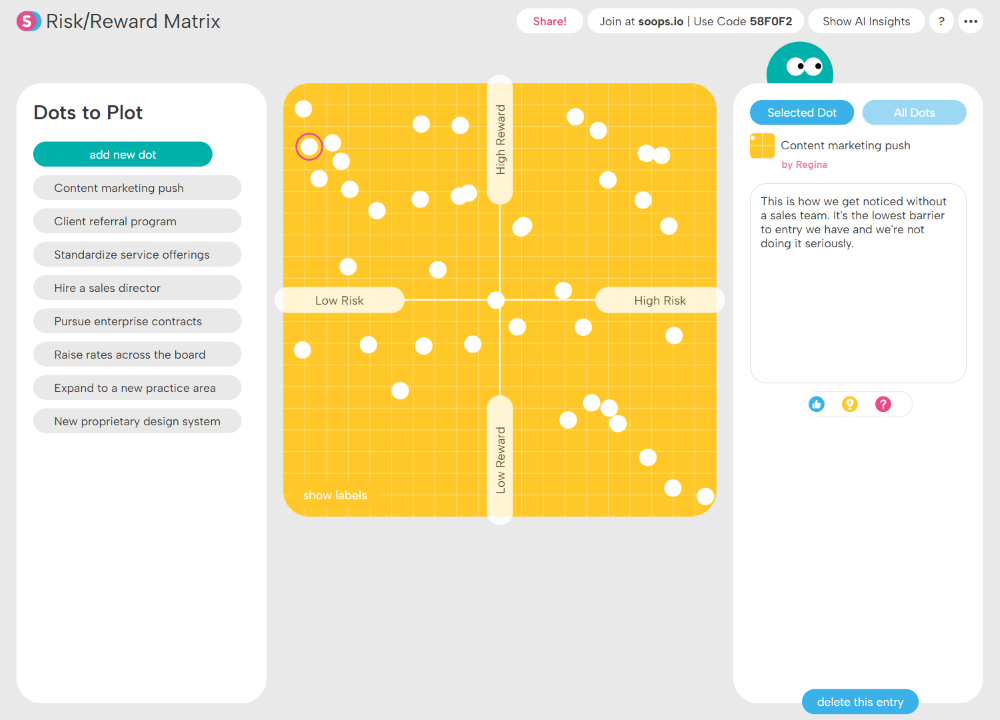
Participants plot potential moves according to risk & reward...
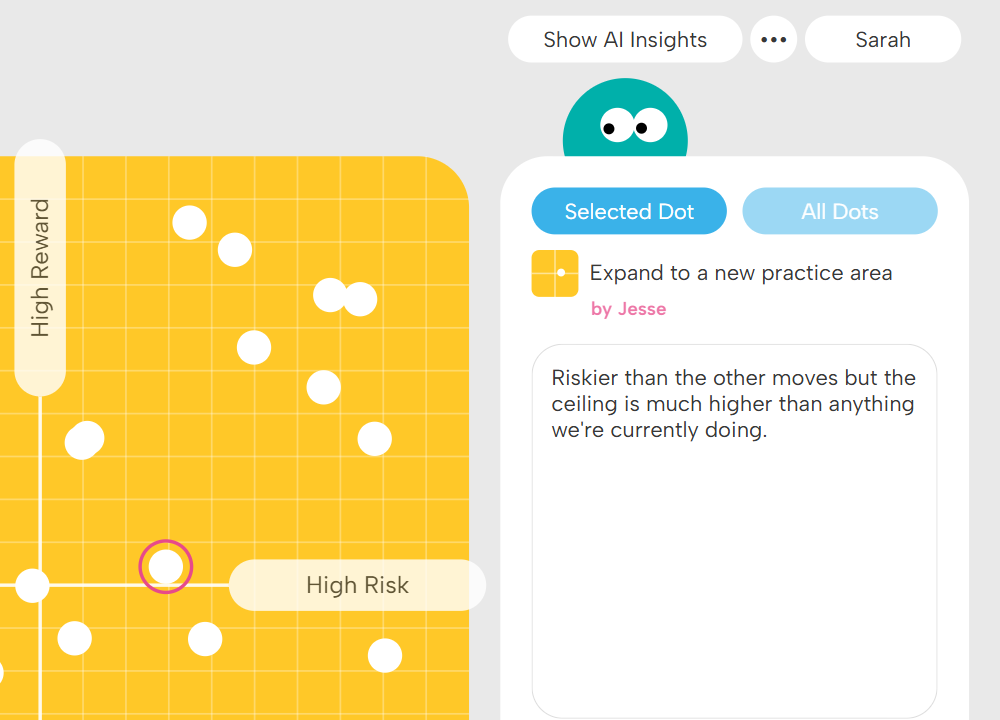
...and justify their reasoning for the placement.
Web invites participants to generate ideas and map the connections between them. Users can add new contributions that extend from existing ones and link ideas together to reveal relationships across the group. Check out our sample collection of Web structures.
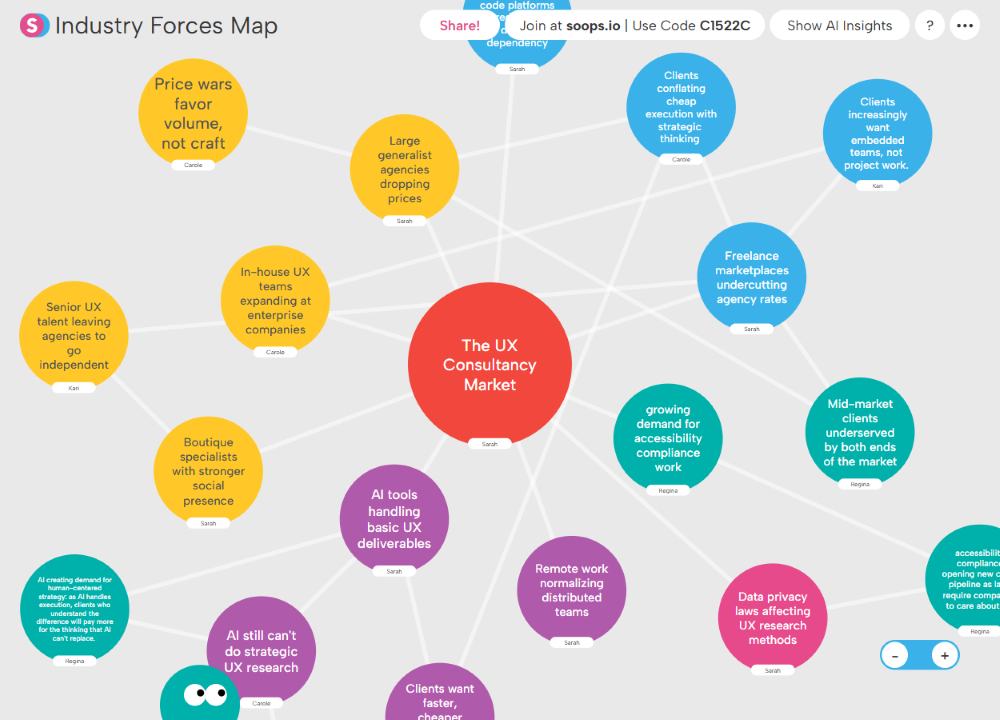
Participants map industry forces...

...developing connections that generate new ideas.
Poll invites participants to vote on a question or decision. Users select an option, explain their reasoning, and see how others across the group voted — helping teams quickly understand where opinions align and move toward a clear decision. Check out our sample collection of Poll structures.
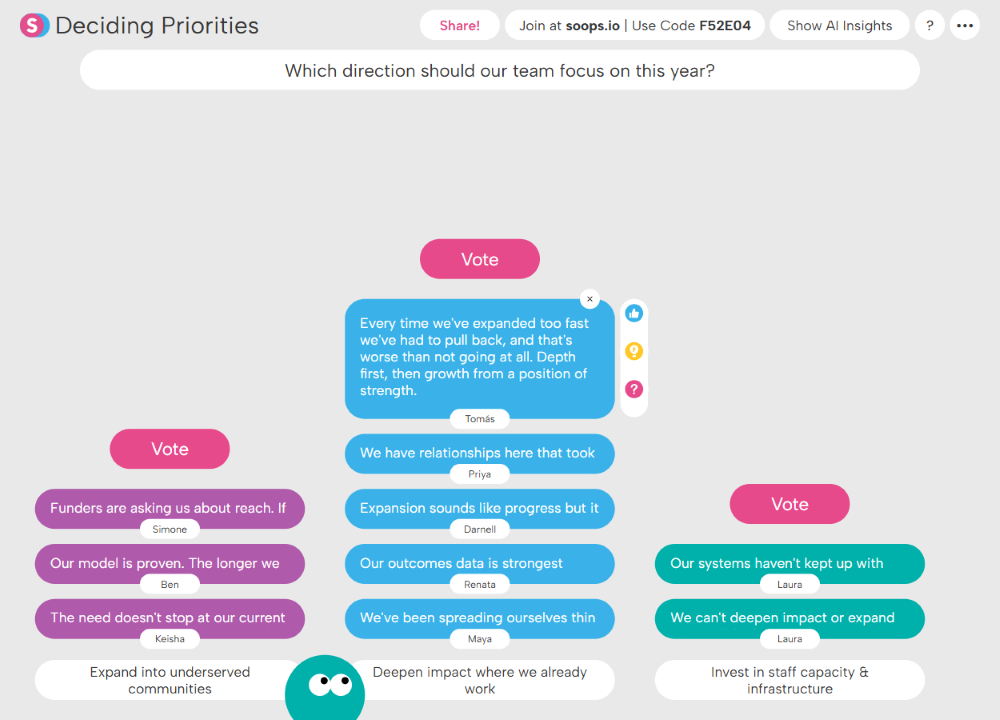
Participants vote on a strategic course for the year...
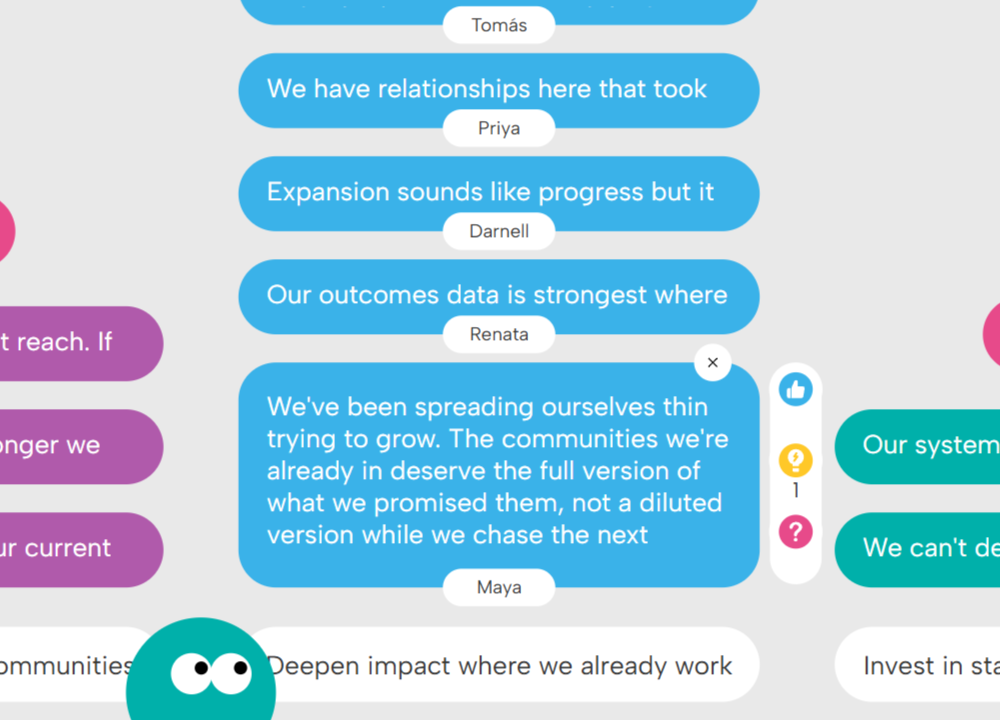
...reflecting on their reasons for their choice.
Sequence invites participants to generate ideas that follow a defined pattern or process. Users contribute their own responses and review how others approached the same sequence, revealing different ways teams can move through a process or workflow. Check out our sample collection of Sequence structures.
%20(1).png)
Participants map out different customer journeys...
.png)
...each tracking a different one to build a full overview.
Columns invites participants to contribute ideas within defined categories. Users can add multiple contributions and review how ideas are distributed across the categories, helping teams compare options and make more informed decisions. Check out our full sample collection of Columns structures.
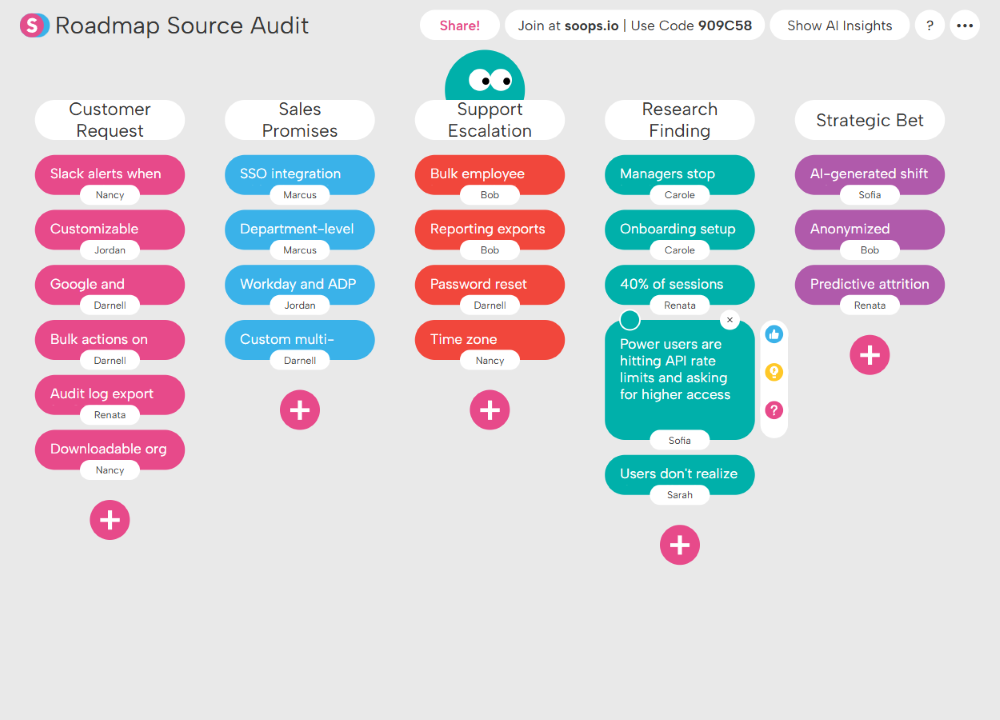
Categorize sources of ideas...
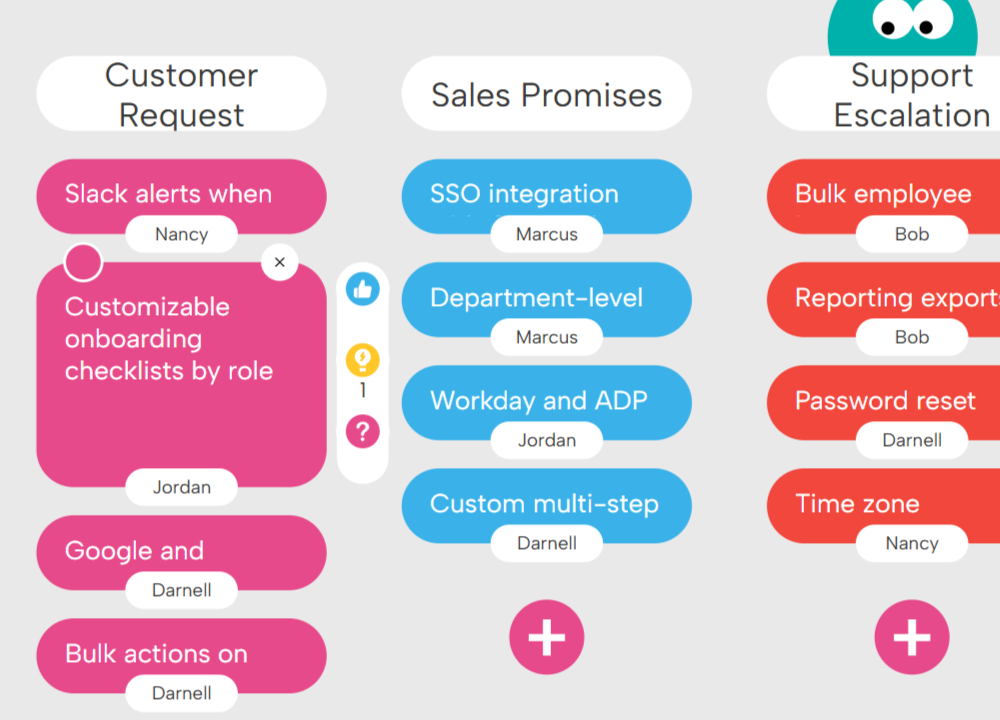
...building on and reacting to teammates' contributions.
Spectrum invites participants to analyze ideas by positioning them along a continuum between two defined poles. Users place ideas along the scale, explain their reasoning, and see how others across the group evaluated the same ideas — helping teams surface nuance and make more balanced decisions. Check out our sample collection of Spectrum structures.
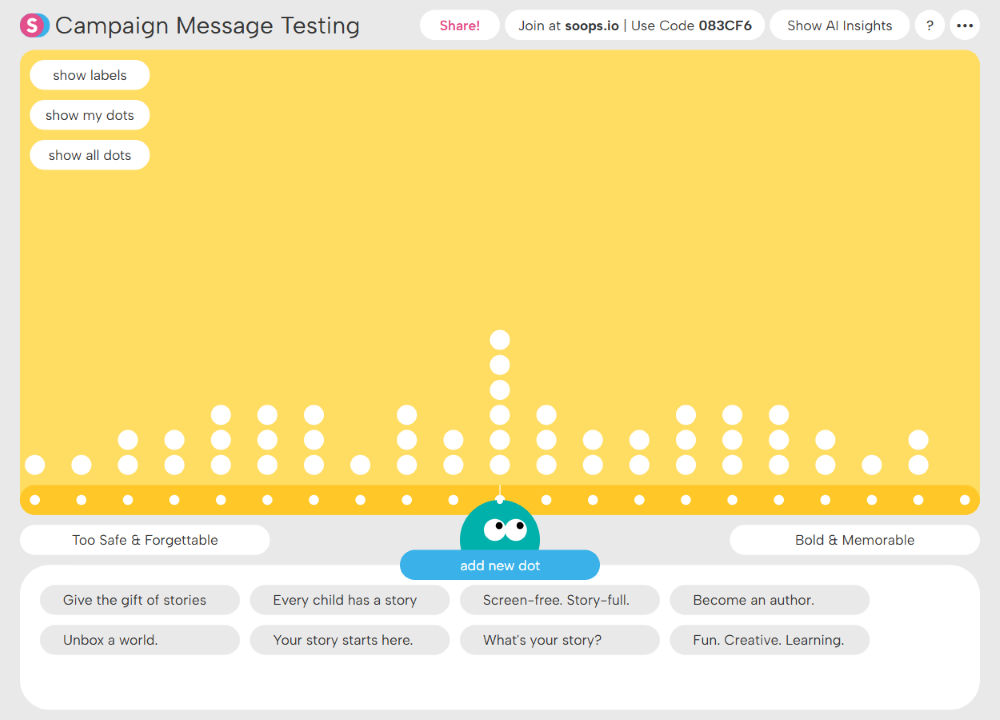
Participants rank marketing messages...
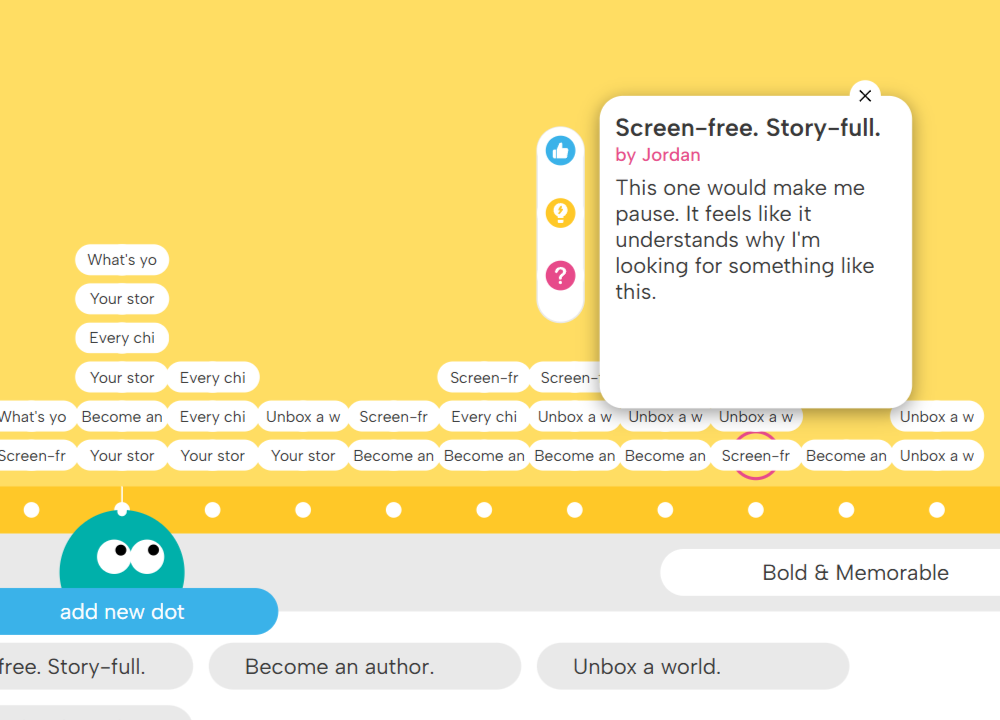
...reflecting on which direction they should go.
